IMPORTANT: During the first start an internet connection is required to download and install the required packages. After a successful installation, the application runs locally – no internet is required.
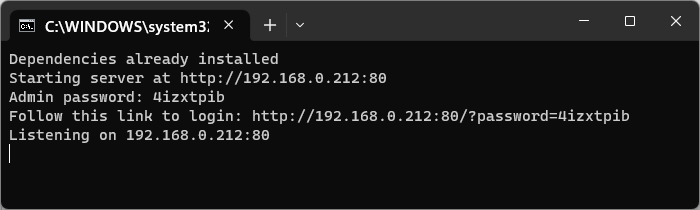
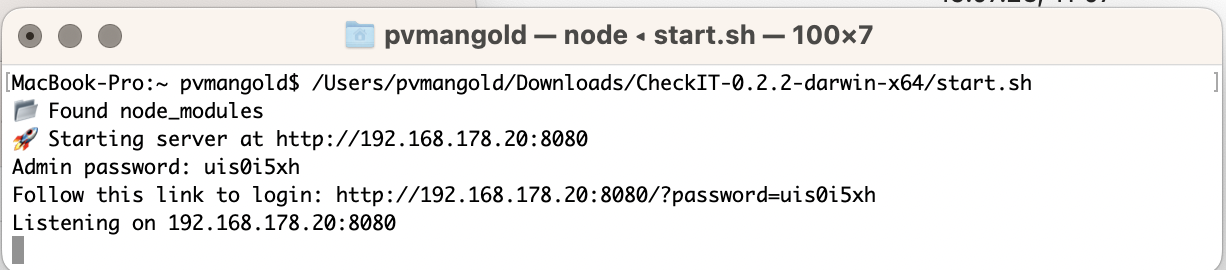
After a successful installation, the server runs in a Command window, informing you about how you can access the CheckIT service.
VideoSyncPro Studio automatically starts the CheckIT Server
in a minimized window on startup.
An active Server looks like this:
Windows
macOS
IMPORTANT: DO NOT close this window!
Closing this window terminates the CheckIT service.