This tab beholds settings that determine how the Interaction Graph behaves in some cases.
▪Click the Settings  icon, within the Time Line Chart window.
▪Switch to the General tab.
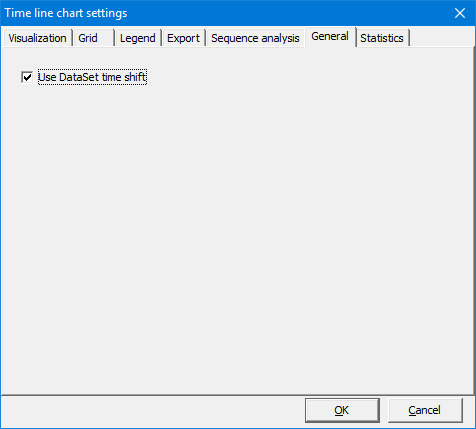
Time offsets
If you have defined time offsets, as described in Move DataSets virtually in time, to virtually move the starting point of one or more DataSets (in order to synchronize certain Events or to compare sessions that were either logged using day time time codes or digitized within the same multimedia file):
▪To make use of your offsets, select Use defined time offsets.
▪To temporarily disable the available offsets, clear Use defined time offsets.