You can enter a detailed description of every Code and Class into your Code Archive:
▪Click Start - Current Document - Properties  and than the Code Archive
  icon, to open the currently active Code Archive:
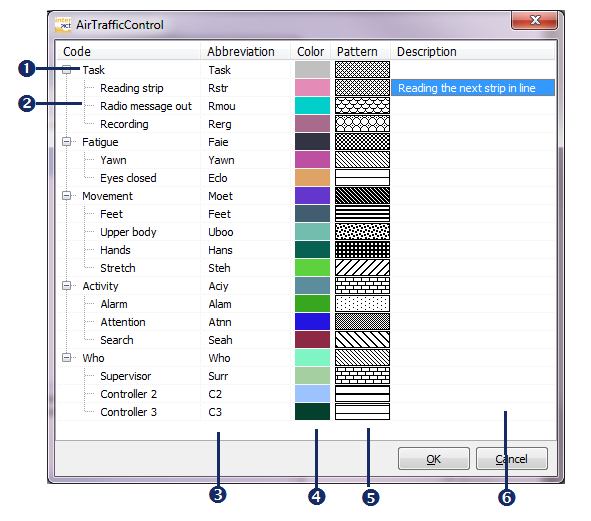
The Column Description, at the far right, is meant for a description of any Code or Class ever used.
An explanation of the various items can be found in the topic Code Archive Editor.
▪Select the Code  or Class
  you want to describe .
▪Click in the Description field  and enter any descriptive information you want for that item.
▪Click in the next description field and again enter any information you want for this Code or Class.
▪Once finished, click OK to save your entries.