View External Files
Whenever the reference starts with the keyword 'File:', the attached file is opened in its target application.
▪Switch to that application to see the contents of the attached file.
View Embedded Files
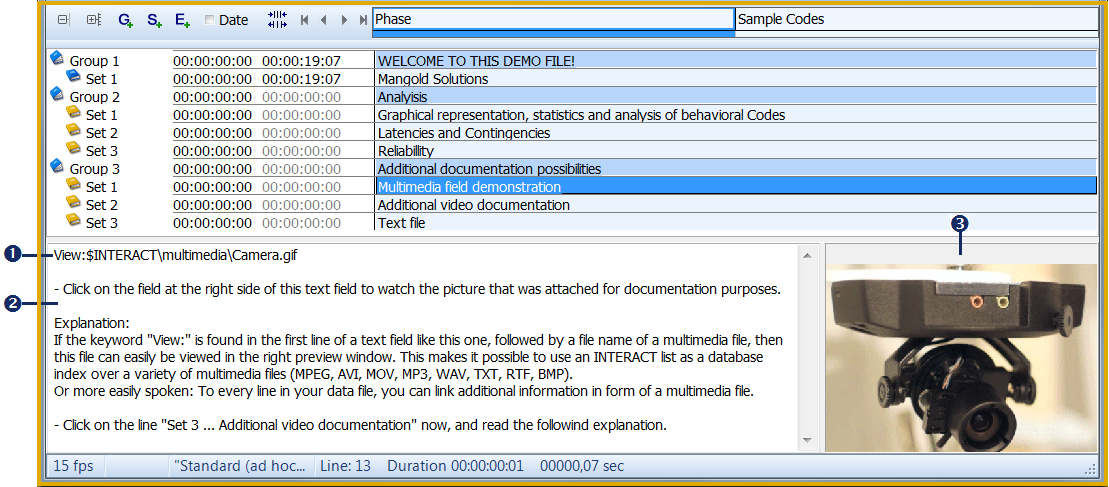
Any compatible multimedia file, linked to an element with the special key-word VIEW:, can be viewed apart from the file played in the multimedia window:
 |
|
|
Special key word and file reference to the linked file |
|
Transcription area |
|
Embedded preview area |


Show preview
▪Select a line in your data-file with an additional file attached.
▪Click in the grey preview area  , that shows the word 'Click...' whenever a valid reference is found.
If a valid link to a compatible external file exists, the contents appears in the preview window .
If an "X" appears instead, the specified file cannot be found or not be displayed.
If you right-click in the embedded viewer area, two more options to view the file become available:
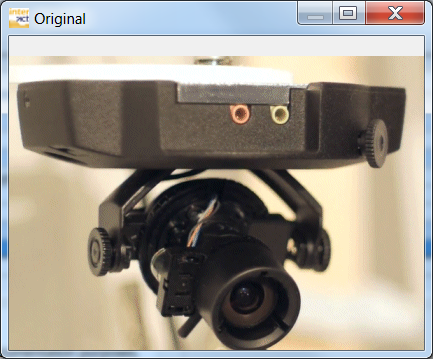
•Original size - Displays the linked file in an additional viewer window:
•Open as Observation source - The multimedia file is opened as an Observation source in the Multimedia window, so it can be used for logging observations. It can now be controlled with the Observation Ribbon.