All important settings are either handled by the start Wizard or can be accessed directly from the corresponding option by clicking the little gear  icon next to it.
To open the general settings dialog, independent of a specific option:
▪Switch to the General tab.
▪Click the Settings icon to open the LogSquare Recorder Settings dialog:
General Settings
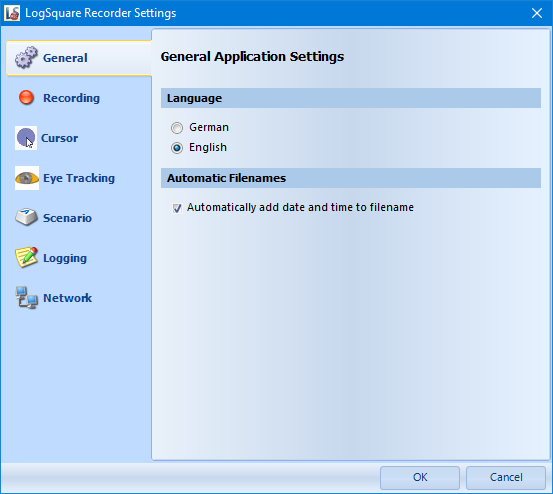
Like every application, LogSquare also offers some generic settings.
oLanguage - The application language can be switched in the General LogSquare Recorder settings.
oWizard - To start the configuration wizard that is shown during the initial installation:
•Click General - Settings - Wizard to be guided through all essential settings.