These settings allows you to change the way LogSquare records key strokes:
▪Click General - Settings - Settings and switch to the Logging section:
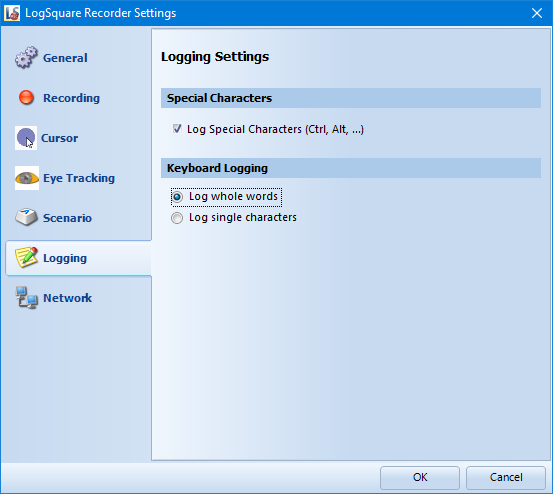
•Special characters - If you do not want the system to log special characters like CTRL, ALT, etc. than you need to clear this option.
•Keyboard logging - Depending on your test scenario, you might not want to log whole words, but each key stroke as a single entry. This is the place to change the default behavior of LogSquare Recorder.