After visualizing your Observation Codes using the Time Line Chart, it is possible to alter the appearance of your chart using the Time Line Chart Settings.
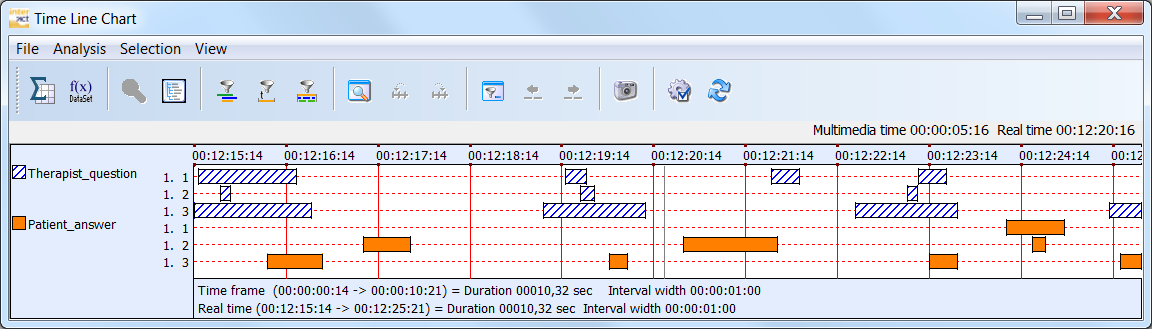
Among other things, it offers settings for Code Visualization, Grid and Legend appearance.
For example:
oDisplay Codes and Classes with a single line for each Code separately
oCumulate all Codes per Class into one line (good for mutual exclusive Codes per Class)
oShow all Codes and Classes in a single line per DataSet
oChange the width of the Code lines
oChoose between colors, colors & patterns or black & white patterns
oChange the interval width
oShow grid lines in different ways
Note: The Time Line Chart settings also offer options that influence the number of statistics, the exported values and calculations during the sequence analysis.
Details are described in the section Time Line Chart Settings.